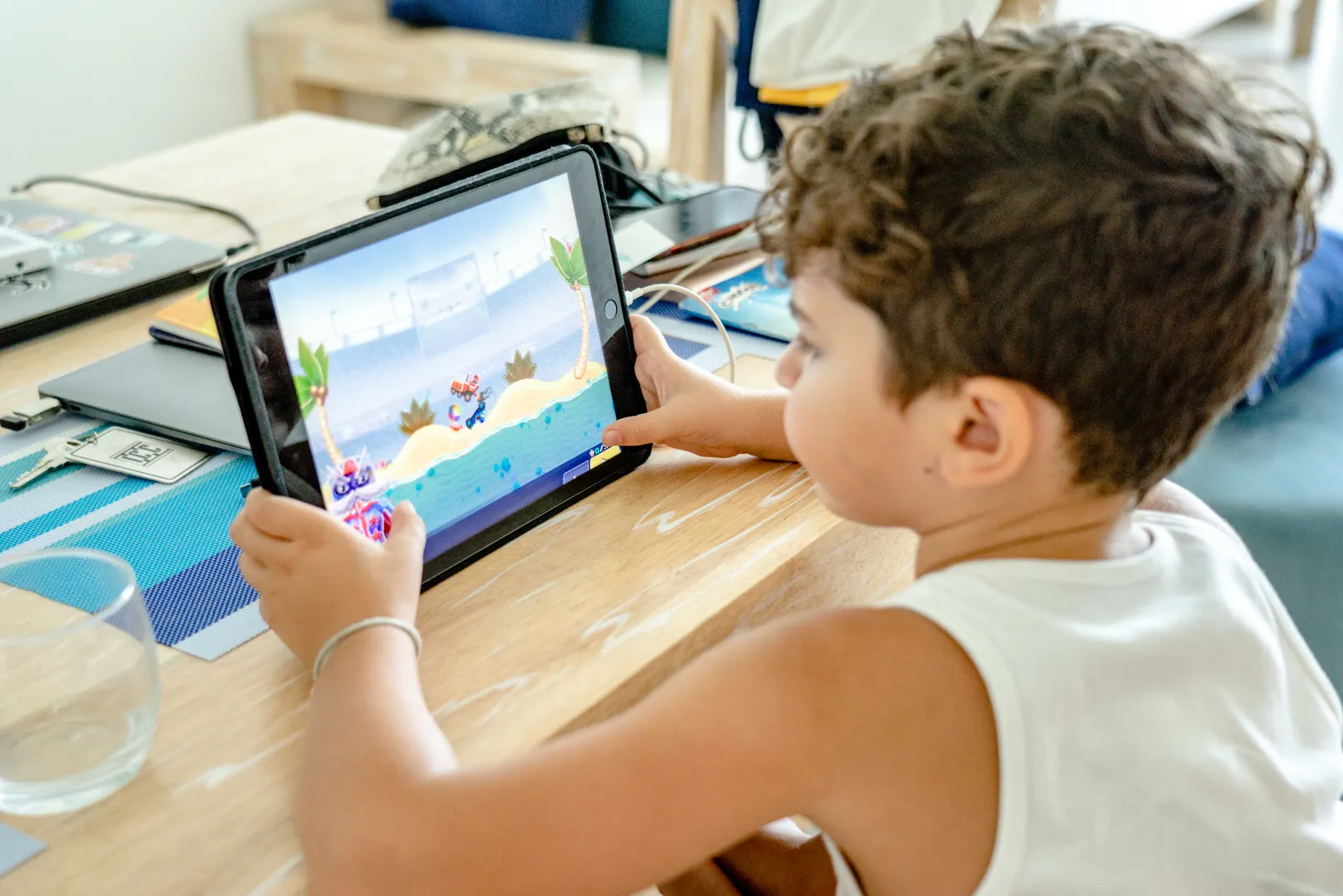

The safest starting point is to make every purchase require approval, remove stored payment details where practical, and agree on a real-dollar gaming budget with your child. Then make it easy for them to tell you when something goes wrong.
August 17, 2026
The safest starting point is to make every purchase require approval, remove stored payment details where practical, and agree on a real-dollar gaming budget with your child. Then make it easy for them to tell you when something goes wrong.
Games can turn real money into gems, coins, skins, passes and loot boxes. That extra layer makes spending hard to track, even for adults. Children also face scams through fake giveaways, account trades, impersonation and messages from people they meet while playing.
Convert in-game currency back into Australian dollars before a purchase. If 1,000 coins cost $14.99 and an item costs 700 coins, talk about the dollar value rather than calling it "only 700".
Small purchases can accumulate. A $4.99 purchase twice a week is more than $500 across a year. Converting it to dollars puts the choice in the same units as pocket money, saving goals and other spending.
The eSafety Commissioner recommends using parental controls to prevent or limit unsupervised spending. Depending on the device and platform, parents can require approval, restrict in-app purchases, set age limits and keep a separate child account.
Use these practical settings:
Platform settings change. Use the provider's current family or parental-control instructions rather than relying on an old screenshot.
A rule works better when the child helps shape it. Decide:
Chance-based purchases need extra care. eSafety says games with in-game purchases linked to chance are not recommended for children under 15, and simulated gambling games are not recommended for people under 18.
Warning signs include:
Explain that a padlock or familiar logo does not prove a message is genuine. Open the game or platform directly and use its official help area.
Children sometimes hide a bad purchase or scam because they expect to lose the game or device. That delay can make recovery harder.
Use a simple promise: "Tell me quickly and we will deal with safety first. We can talk about the rule afterwards." This does not remove consequences. It makes the first response useful.
Act promptly:
Do not pay a second person who promises to recover the account or money. Recovery scammers often approach people who have already lost something.
Once a month, check active subscriptions, recent purchases and saved payment methods with your child. Ask which parts of the game are designed to make waiting difficult or spending feel urgent.
The aim is not to remove every commercial feature. It is to help children recognise pressure, see the real cost and ask for help before a small problem becomes a larger one.
This article provides general information for parents and carers. Device, platform and payment settings change, so check current official instructions.
The WeMoney digest: one email each week with what is worth knowing about your money. No noise, unsubscribe any time.
We collect your email to send you the weekly WeMoney digest and for no other purpose. You can unsubscribe via the link in every email. Handled under our Privacy Policy.
We'd love to share it, and you'll get $50 if we record your video testimonial.
Share your storyABN: 88 633 007 860 WeMoney Pty Ltd
Information on this website is general in nature and is not financial or credit advice. It does not take into account your objectives, financial situation or needs. Consider whether it is appropriate for your circumstances, and read our Terms of Use, Credit Guide and Privacy Policy before acting on it.
All rights reserved.
Built with ❤️ in Australia
Australian Credit Licence (ACL): 526330
AFCA member: 79896
WeMoney acknowledges and pays respect to the past, present, and emerging Traditional Custodians of the land in which we live and work.


.png)


